

Seedance 2.0 Fast Reference
Fast reference-guided video — multi-modal inputs at a lower cost in 480p/720p.
to start generating videos with Seedance 2.0 Fast Reference
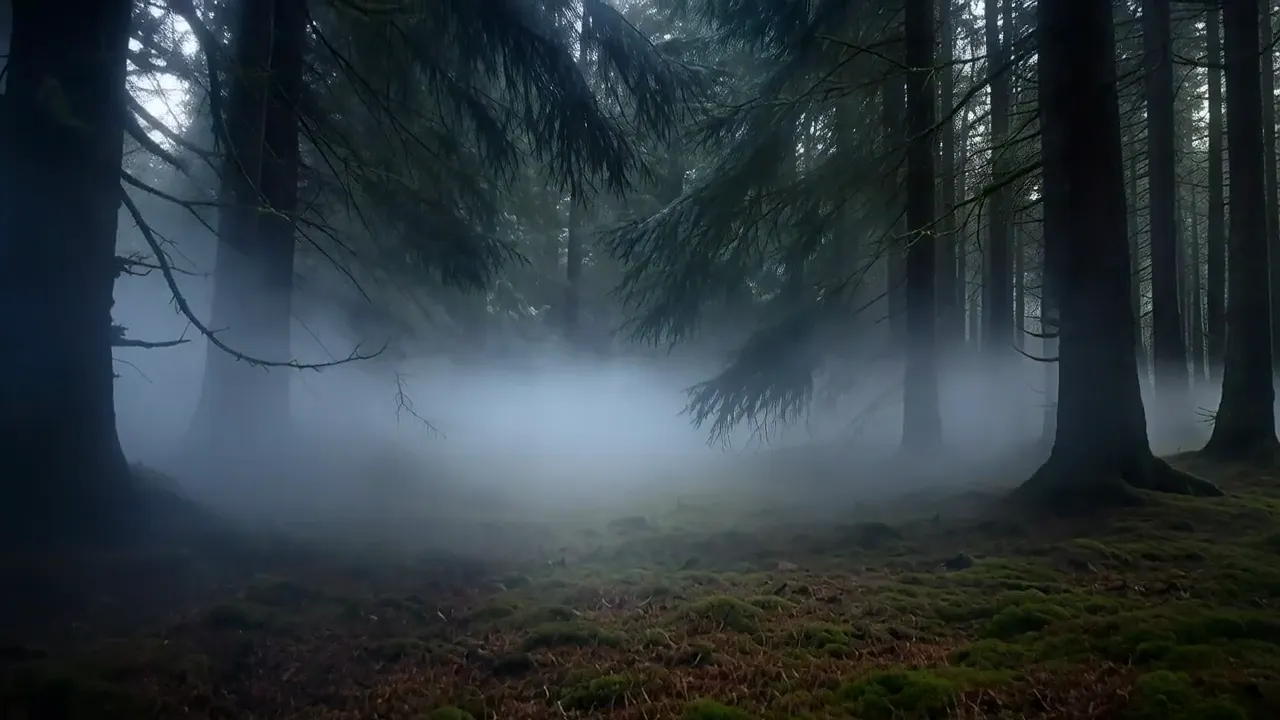
Generated with Seedance 2.0 Fast Reference
“Quick test of character animation from reference images”
What Sets It Apart
Affordable Reference Video
Multi-modal reference generation at roughly 80% of the standard model's cost.

Same Input Options
Full support for 9 reference images, 3 reference videos, and 3 reference audio tracks.
Rapid Iteration
Faster generation for testing reference combinations before committing to the premium model.
Audio Support
Full audio generation at the reduced price point.
Built For
Reference Testing
Test different reference material combinations quickly.
Draft Content
Create reference-guided drafts before upgrading to full quality.
Iteration
Rapidly iterate on reference-based concepts.
Budget Projects
Produce reference-guided video at lower cost for budget-conscious work.
Technical Specifications
How Seedance 2.0 Fast Reference Compares
Every model below is available on Morphed — switch between them with the same prompt.
| Model | Credits | Type | Best for |
|---|---|---|---|
| Seedance 2.0 Fast ReferenceThis modelBytedance | 35 / second | Image to Video | Reference Testing |
 Seedance 2.0 ReferenceBytedance Seedance 2.0 ReferenceBytedance | 43.5 / second | Image to Video | Brand Consistency |
 Seedance 2.0 FastBytedance Seedance 2.0 FastBytedance | 35 / second | Text to Video | Rapid Production |
 WAN 2.7WAN WAN 2.7WAN | 10 / second | Text to Video | Precise Timing |
 Veo 3.1Google Veo 3.1Google | 20 / second | Text to Video | Premium Video |
Frequently Asked Questions


Create with Seedance 2.0 Fast Reference in three steps
Describe your idea
Write a prompt, or start from one of the examples above. Seedance 2.0 Fast Reference handles detailed, multi-part prompts well.
Generate & iterate
Pick duration and aspect ratio, then generate. Re-roll or refine the prompt until the motion feels right.
Download or keep editing
Export in full resolution, or send the result to another model on Morphed — upscale it, animate it, or edit it.
Ready to create with Seedance 2.0 Fast Reference?
Create an account, then pick a plan to start generating. Plans start at $9/month — 30% off your first month, cancel anytime.