

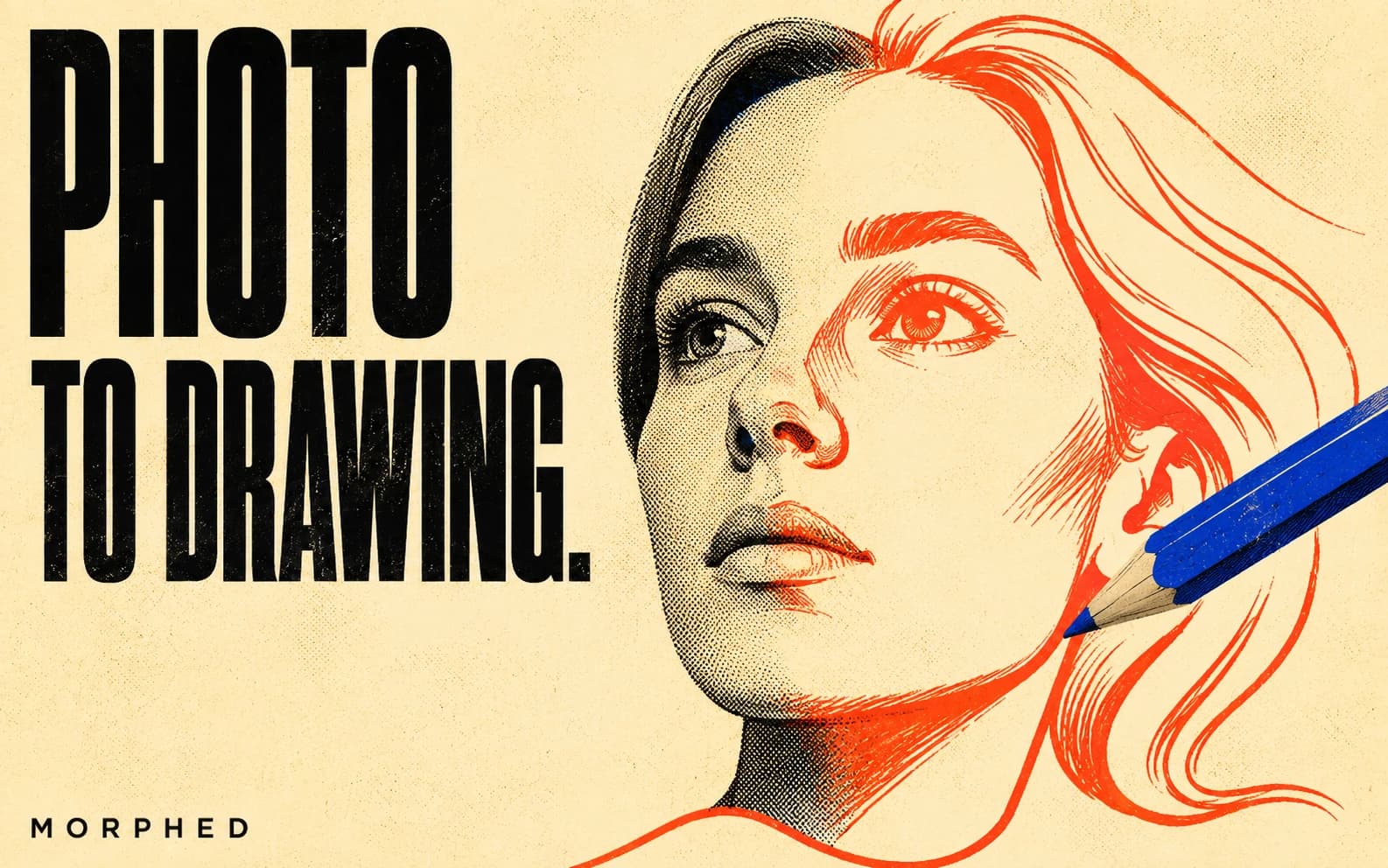
Turn a photo into a drawing/cartoon with AI: upload to an AI image editor, prompt the target style ("turn this into a watercolor painting", "convert to anime"). Best models: Nano Banana for keeping likeness through stylization, Grok Imagine/Seedream 4.5 for anime and bold cartoons, Flux 2 Flash Edit at 1.5 credits for cheap drafts. Styles: pencil sketch, ink, watercolor, oil, anime, 3D cartoon, comic, vector flat, tattoo linework. A guided free start, no card needed. Last verified June 2026.
The "cartoon yourself" apps of a few years ago applied one canned filter to every face. What replaced them is better in every way: instruction-tuned editing models that redraw your photo in any medium you can name — pencil, watercolor, anime, Pixar-style 3D, comic book ink — while keeping the subject recognizably itself.
One upload, one sentence, done. Here's the workflow and the prompts that produce each style.
The workflow
- Upload your photo to an AI image editor. Sharp, well-lit, front-facing sources convert best.
- Prompt the style — be specific about the medium, not just "make it a drawing":
Turn this photo into a detailed graphite pencil sketch with cross-hatchingConvert this into a soft watercolor painting with visible paper textureRedraw as a 3D animated movie character, big expressive eyes, soft studio lighting
- Compare across models. Style transfer is taste-driven — the same prompt on two models gives two interpretations. Keep the winner.
On Morphed, conversions start at 1.5 credits per image (1 credit ≈ $0.01); a guided free start to try, then cheap per-image credits with watermark-free downloads.
Prompts by style
| Target style | Prompt core | Best model |
|---|---|---|
| Pencil sketch | "graphite pencil sketch, cross-hatching, white paper" | Nano Banana |
| Ink line art | "clean black ink line drawing, no shading" | Qwen Image Edit |
| Watercolor | "watercolor painting, soft washes, paper texture" | Nano Banana |
| Oil painting | "oil on canvas, impasto brushstrokes, gallery lighting" | Seedream 4.5 Edit |
| Anime | "anime style, cel shading, detailed eyes, clean lines" | Grok Imagine Edit |
| 3D cartoon | "Pixar-style 3D character render, soft lighting" | Nano Banana |
| Comic book | "American comic book style, bold inks, halftone dots" | Seedream 4.5 Edit |
| Vector flat | "flat vector illustration, minimal palette, geometric" | Flux Kontext Pro |
| Children's book | "whimsical children's book illustration, gouache" | Nano Banana |
| Tattoo design | "black and grey tattoo linework, stencil-ready" | Qwen Image Edit |
For tattoo conversions specifically, our Nano Banana tattoo prompts library goes deeper.
The likeness problem (and how to beat it)
The classic failure of photo-to-cartoon tools: the output is a nice cartoon of someone else. Three fixes:
- Model choice is 80% of it. Nano Banana was trained for identity preservation through transformation — it's the difference between "stylized you" and "generic character".
- Stylize in one pass. One strong prompt beats chains of small edits; every additional pass compounds drift.
- Name what to keep. Append "keep the facial features, expression, and pose accurate to the photo" — explicit anchors measurably reduce drift.
Beyond people: what else converts well
- Pets — pet portraits in oil or watercolor are the single most popular conversion. See Nano Banana prompts for dogs.
- Houses — "turn this photo of my house into a watercolor illustration" makes closing gifts realtors actually pay for.
- Products — vector-style product illustrations for landing pages, from a single photo.
- Landscapes — vacation photos as travel-poster art prints.
Finishing moves
A converted drawing is a starting asset:
- Print it: upscale to print resolution from 3 credits — a watercolor portrait at A2 size needs the pixels.
- Sticker it: remove the background for a transparent PNG.
- Animate it: run the illustration through image-to-video for a living portrait — subtle motion, blinking, drifting clouds.
All of it happens in one studio with one credit balance. Start free — no card, no watermarks.
Related reading:
- AI Image Editor — the tool behind all of this
- AI Portrait Generator Guide
- Nano Banana Prompts for Editing Images
- Best AI Image Generation Models