

FLUX.2 Flex
Balanced FLUX model with flexible output control and editing capabilities.
to start creating with FLUX.2 Flex

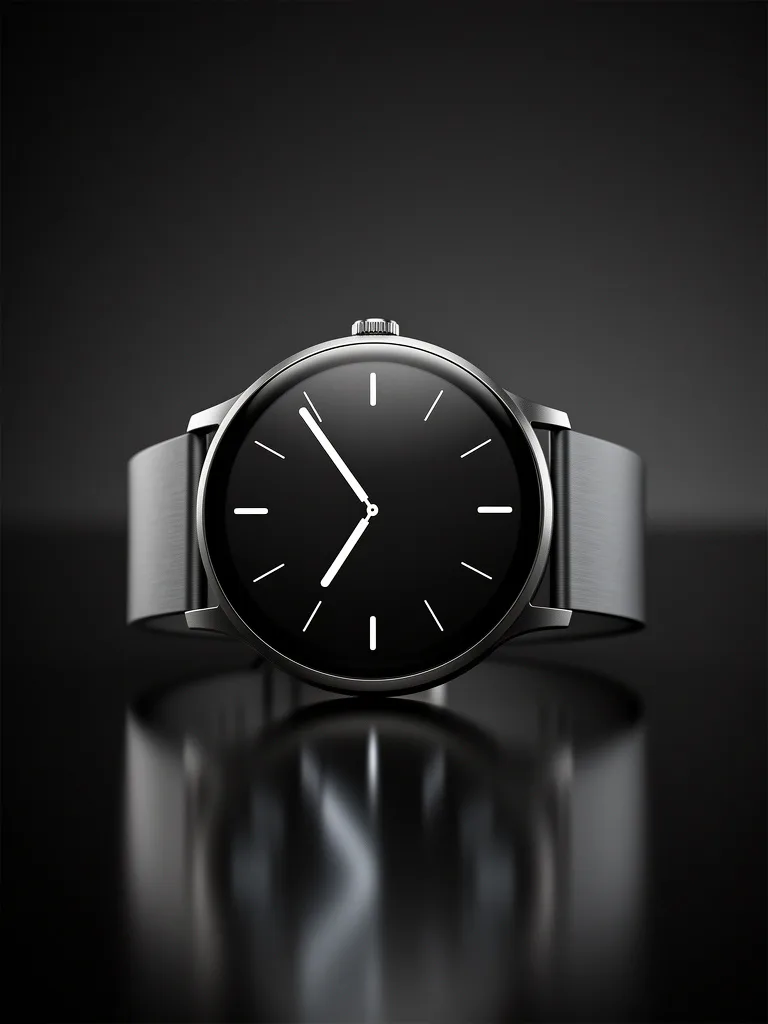

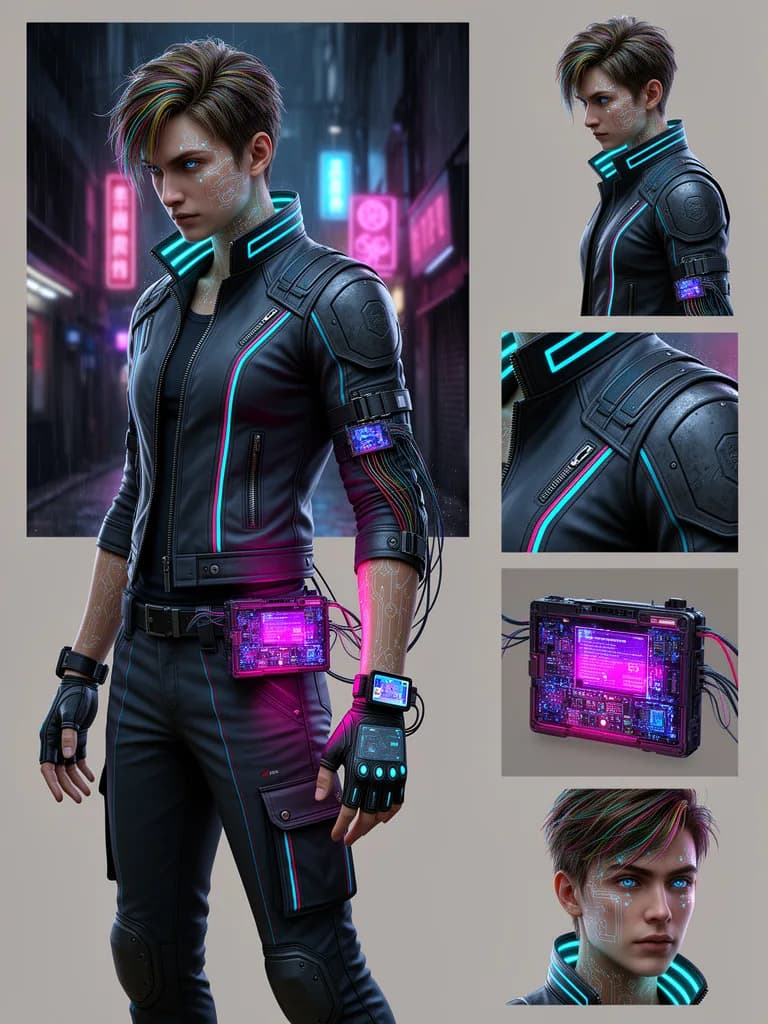

What Sets It Apart
Flexible Output Control
Fine-grained control over generation parameters for precise creative direction.
Strong Edit Mode
Robust image editing capabilities for refining and iterating on generated content.
Artistic Range
Excels at both photorealistic and stylized outputs, from painterly to hyperreal.
Mid-Range Pricing
At 6 credits per image, it sits comfortably between Pro and flagship models.
Built For
Creative Direction
Explore different visual styles and artistic treatments for campaigns.
Image Refinement
Iteratively edit and improve generated images to perfection.
Concept Art
Generate concept art and character designs for games, films, and media.
Mixed Media
Blend photographic and artistic styles in a single image.
Technical Specifications
How FLUX.2 Flex Compares
Every model below is available on Morphed — switch between them with the same prompt.
| Model | Credits | Type | Best for |
|---|---|---|---|
| FLUX.2 FlexThis modelFlux | 6 / image | Text to Image | Creative Direction |
 FLUX.2 ProFlux FLUX.2 ProFlux | 3 / image | Text to Image | Marketing Materials |
 FLUX.2 MaxFlux FLUX.2 MaxFlux | 7 / image | Text to Image | Hero Imagery |
 Flux 2Flux Flux 2Flux | 10 / image | Text to Image | Product Photography |
 Flux 2 TurboFlux Flux 2 TurboFlux | 2 / image | Text to Image | Content Pipelines |
Frequently Asked Questions
Create with FLUX.2 Flex in three steps
Describe your idea
Write a prompt, or start from one of the examples above. FLUX.2 Flex handles detailed, multi-part prompts well.
Generate & iterate
Generate, compare variations, and refine. Each run costs 6 credits per image.
Download or keep editing
Export in full resolution, or send the result to another model on Morphed — upscale it, animate it, or edit it.
Ready to create with FLUX.2 Flex?
Pick a plan and start generating. No coded, and paid plans start at $9/month.