

Flux 2 Klein 4B
The most compact FLUX model — maximum speed and efficiency at 1 credit.
to start creating with Flux 2 Klein 4B

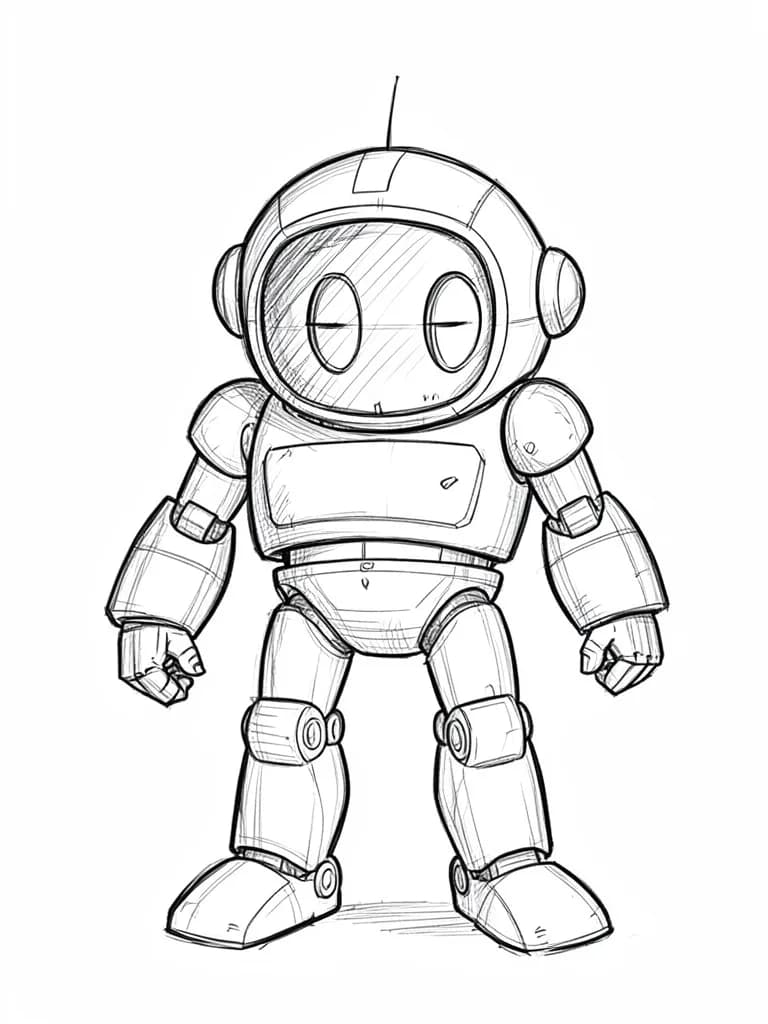



What Sets It Apart
Most Compact FLUX
At 4 billion parameters, this is the lightest FLUX model — fastest generation times in the family.
Budget Ceiling
Just 1 credit per image — the floor price for FLUX-quality output.
Edit Support
Even the smallest FLUX model includes image editing capabilities.
Rapid Output
Optimized for speed, making it suitable for real-time creative tools and workflows.
Built For
Mass Prototyping
Generate hundreds of concepts when exploring a new creative direction.
Quick Mockups
Create placeholder images for wireframes and layouts.
Learning Tool
Practice prompt engineering without worrying about credit costs.
Batch Processing
Process large batches of image generation tasks efficiently.
Technical Specifications
How Flux 2 Klein 4B Compares
Every model below is available on Morphed — switch between them with the same prompt.
| Model | Credits | Type | Best for |
|---|---|---|---|
| Flux 2 Klein 4BThis modelFlux | 1 / image | Text to Image | Mass Prototyping |
 Flux 2 Klein 9BFlux Flux 2 Klein 9BFlux | 1 / image | Text to Image | Bulk Generation |
 Flux 2 FlashFlux Flux 2 FlashFlux | 1.5 / image | Text to Image | High-Volume Testing |
 Z-Image TurboTongyi-MAI Z-Image TurboTongyi-MAI | 1 / image | Text to Image | Rapid Prototyping |
 Z-Image BaseTongyi-MAI Z-Image BaseTongyi-MAI | 1 / image | Text to Image | Concept Exploration |
Frequently Asked Questions






Create with Flux 2 Klein 4B in three steps
Describe your idea
Write a prompt, or start from one of the examples above. Flux 2 Klein 4B handles detailed, multi-part prompts well.
Generate & iterate
Generate, compare variations, and refine. Each run costs 1 credits per image.
Download or keep editing
Export in full resolution, or send the result to another model on Morphed — upscale it, animate it, or edit it.
Ready to create with Flux 2 Klein 4B?
Pick a plan and start generating. No coded, and paid plans start at $9/month.