

MAI Image 2.5
Microsoft's in-house image model — fast, photoreal, and exceptionally good with light.
to start creating with MAI Image 2.5


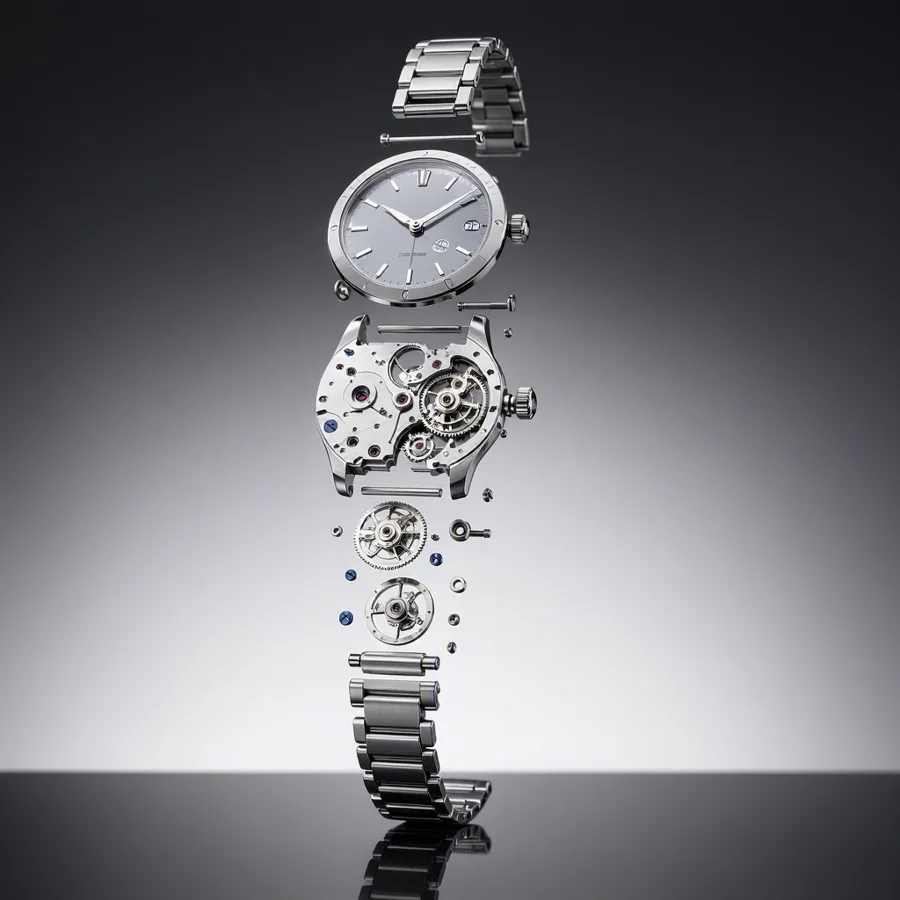


What Sets It Apart
Microsoft's First In-House Image Model
MAI Image 2.5 is built by Microsoft AI — the same model family powering image generation in Copilot — now available directly on Morphed.
Exceptional Lighting
Particularly strong at difficult light: volumetric rays, rim light, reflections, and mixed-temperature scenes render with unusual accuracy.
Fast for Its Class
Generates quicker than most flagship-tier models, keeping iteration loops short at 8 credits per image.
Clean Photorealism
Produces grounded, believable photography with minimal hallucination on everyday subjects.
Built For
Product Photography
Accurate reflections and materials for product and watch/jewelry shots.
Atmospheric Scenes
Fog, rain, god rays, and other volumetric effects that most models fake poorly.
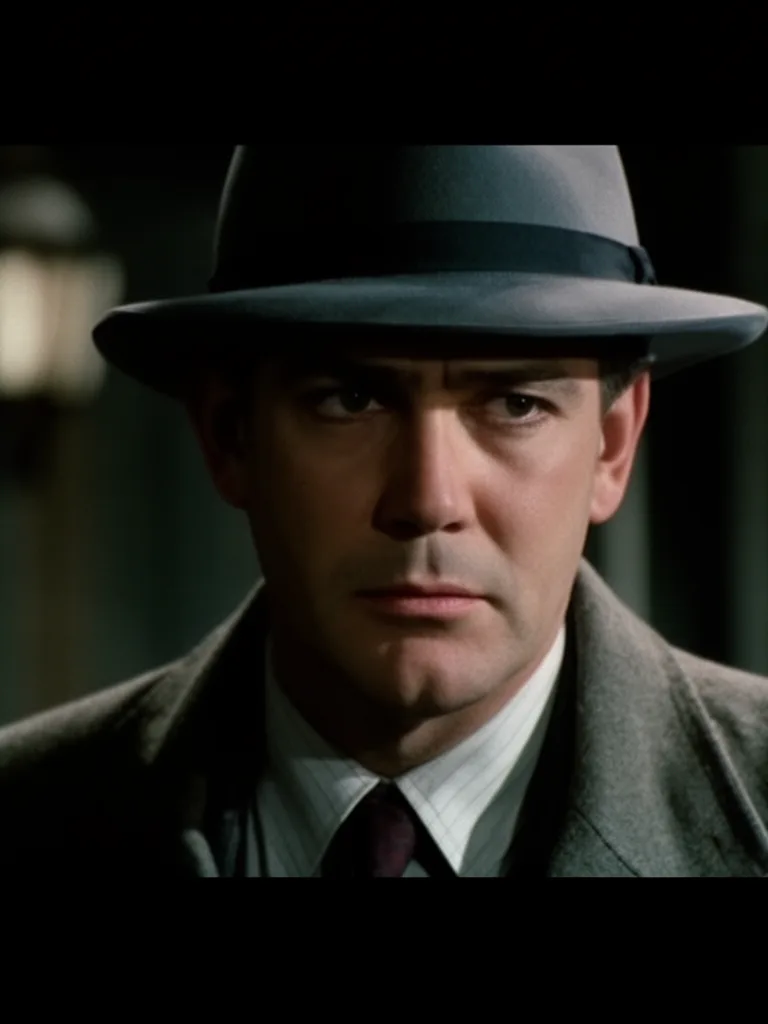
Realistic Portraits
Natural portraits with believable skin under complex lighting.
Marketing Visuals
Polished, grounded imagery for landing pages and campaigns.
Technical Specifications
How MAI Image 2.5 Compares
Every model below is available on Morphed — switch between them with the same prompt.
| Model | Credits | Type | Best for |
|---|---|---|---|
| MAI Image 2.5This modelMicrosoft | 8 / image | Text to Image | Product Photography |
 Flux 2Flux Flux 2Flux | 10 / image | Text to Image | Product Photography |
 Imagen 4Google Imagen 4Google | 4 / image | Text to Image | Photography Replacement |
 Nano Banana Pro 🍌Google Nano Banana Pro 🍌Google | 15 / image | Text to Image | Professional Photography |
Frequently Asked Questions
Related Models



Create with MAI Image 2.5 in three steps
Describe your idea
Write a prompt, or start from one of the examples above. MAI Image 2.5 handles detailed, multi-part prompts well.
Generate & iterate
Generate, compare variations, and refine. Each run costs 8 credits per image.
Download or keep editing
Export in full resolution, or send the result to another model on Morphed — upscale it, animate it, or edit it.
Ready to create with MAI Image 2.5?
Start generating stunning images in seconds. No credit card required.