

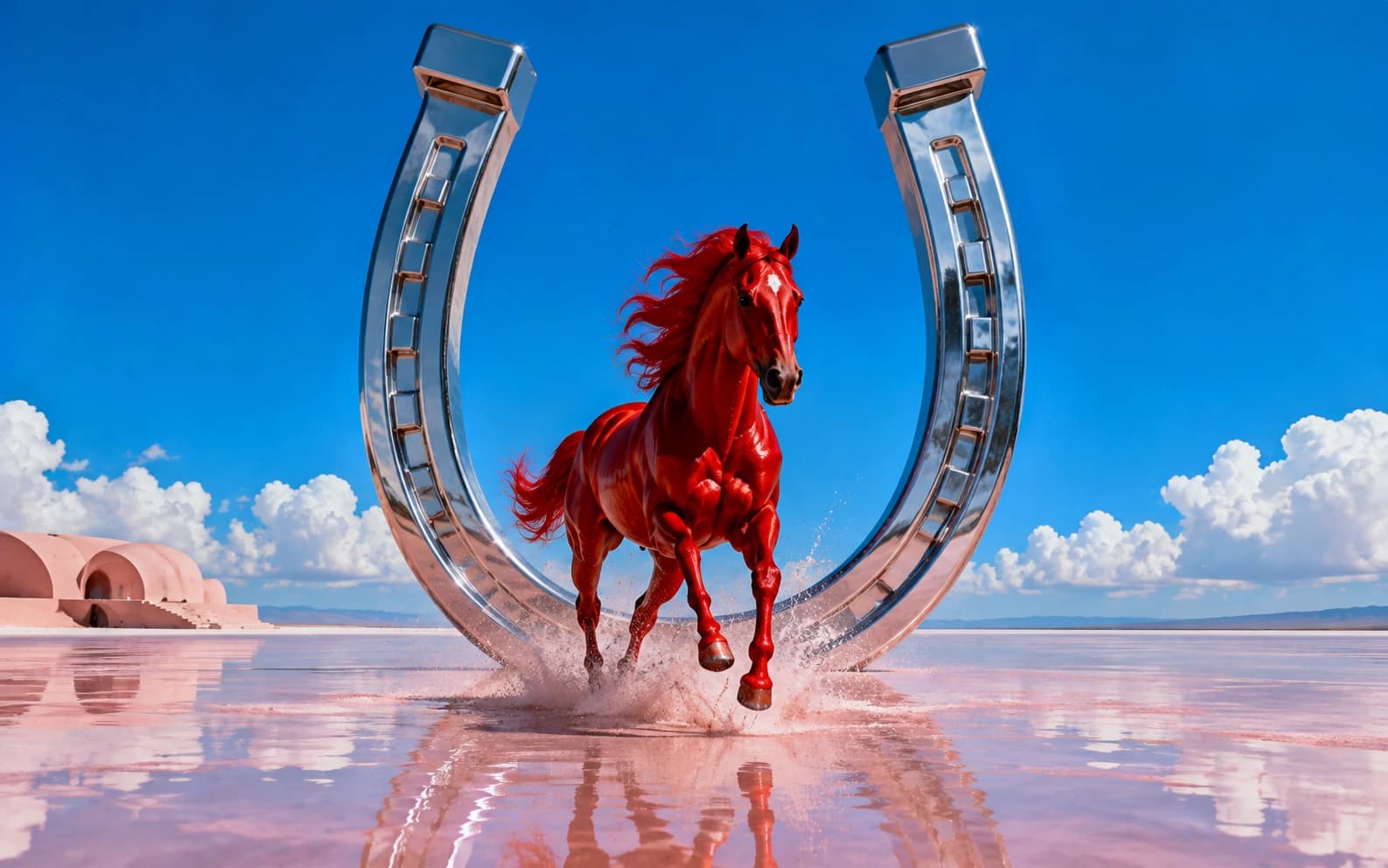
Happy Horse 1.0 is a 1080p text-to-video and image-to-video model with native synced audio. On the Arena text-to-video leaderboard, it ranks #2 behind Dreamina Seedance 2.0 720p as of April 16, 2026. Best prompt rule: write one clean moving shot first, then add one camera or lighting cue.
Happy Horse 1.0 is one of the most interesting video models to land this month because it does not ask you to write giant prompts. In fact, it usually punishes them.
The model is strongest when you write like a director calling a shot: who is in frame, what they are doing, where they are, and how the camera or light behaves. That is enough for most clips. The more you stack generic style language, wardrobe detail, and negative prompts, the more the motion can soften.
That matters because Happy Horse is not just another mid-tier video release. The Arena text-to-video leaderboard lists happyhorse-1.0 at rank #2 as of April 16, 2026, behind only Dreamina Seedance 2.0 720p. Arena shows Happy Horse at 1444±15 with 1,843 votes, ahead of Veo 3.1 Audio 1080p, Sora 2 Pro, Grok Imagine Video, WAN 2.6, and Runway Gen-4.5 at the time of that leaderboard snapshot.
You can use Happy Horse 1.0 on Morphed for both text-to-video and image-to-video. This guide gives you the prompt structure that works, where to keep prompts short, when to use shot lists, and a set of copy-paste prompts for social, ads, product videos, and cinematic clips.
Key Takeaways
- Keep most Happy Horse prompts under 30 words.
- Put the subject and action first.
- Use one strong camera or lighting cue, not five.
- Use timecoded shot lists for multi-beat scenes.
- Avoid generic AI prompt words like "stunning," "masterpiece," and "ultra detailed."
- For image-to-video, let the image carry the visual design and use the prompt to describe motion.
- Happy Horse supports 3-15 second clips at 720p or 1080p on Morphed.
Happy Horse 1.0 Specs on Morphed
Happy Horse 1.0 is available as both a text-to-video model and an image-to-video model. The image-to-video version uses a single first-frame image, so it is best for animating an existing scene rather than blending multiple references.
| Feature | Happy Horse 1.0 on Morphed |
|---|---|
| Model type | Text-to-video and image-to-video |
| Resolution | 720p or 1080p |
| Duration | 3-15 seconds |
| Aspect ratios | 16:9, 9:16, 1:1, 4:3, 3:4 |
| Audio | Native synced audio included |
| Image-to-video input | Single first-frame image |
| Morphed price | 20 credits per second |
| Best use cases | Cinematic shots, social video, product motion, atmospheric scenes, camera moves |
The important practical detail is that Happy Horse generates audio and video jointly. You do not need to write around a separate audio stitching step. If sound matters to the scene, include a short sound cue: rain on pavement, a train rumble, a door chime, a crowd swelling, glass clinking, fabric snapping in wind.
The Best Happy Horse Prompt Structure
Use this for most text-to-video generations:
[Subject] [does one action] in [setting], [time or atmosphere], [one camera or lighting cue].
Examples:
A woman in a red coat walks through a wet city alley at night, neon reflections, slow tracking shot.
A glass perfume bottle rotates on black marble, soft studio spotlight, faint music-box chime.
A vintage motorcycle rides across a desert road at sunset, low side-tracking camera, wind noise.
This works because video models need motion more than mood. "A woman walks" gives the model a physical task. "Wet city alley at night" gives it a setting. "Slow tracking shot" gives it camera behavior. That is enough.
The weak version is what most people write first:
Beautiful cinematic masterpiece of a stylish woman in an incredible neon city, ultra detailed, dramatic, stunning lighting, high quality.
That prompt looks expressive, but it gives the model very little to stage. It is mostly taste words.
What To Avoid in Happy Horse Prompts
The fal Happy Horse prompting guide makes a useful point: vague praise words usually cost more than they help. They push the output toward a default AI-video look instead of a concrete shot.
| Avoid | Use instead |
|---|---|
| beautiful, stunning, masterpiece | wet asphalt, amber backlight, blue-hour haze |
| ultra detailed, hyperrealistic | chrome highlights, shallow puddle reflections |
| epic cinematic shot | low-angle dolly, slow push-in, locked-off wide |
| gorgeous lighting | single hard top-down key, warm rim light |
| insane motion | sprinting, drifting, leaping, pouring, turning |
Do not stack synonyms either. "Crimson, scarlet, ruby, deep red" does not make the coat more red. Pick one color. Use the saved words for motion or camera direction.
Negative prompts are also easy to overuse. "No people" is worth writing if a background crowd would ruin the shot. "No blur, no bad anatomy, no weird hands, no artifacts" usually burns space without giving the model a better target.
When Longer Prompts Work
Long prompts work when the extra words describe timing, camera movement, or a real sequence. They fail when they are just a paragraph of decoration.
For multi-beat clips, use a shot list with timecodes:
Shot 1 (wide, 0-2s): A quiet bakery kitchen before sunrise, flour dust floating in warm window light.
Shot 2 (medium, 2-6s): A baker sets a tray of croissants onto the counter, steam rising as the metal taps wood.
Shot 3 (close, 6-9s): Slow push-in on the flaky croissant layers as butter glistens under soft amber light.
This is better than writing "first the kitchen appears, then the baker enters, then we see the croissant" as one sentence. The time ranges tell the model how to pace the action.
For a single continuous take with several constraints, use short markdown sections:
## Subject
A silver electric sports car on a rain-dark street.

## Action
The car rolls forward slowly, headlights cutting through mist.

## Camera
Low front tracking shot, lens close to the wet road.

## Lighting
Blue-hour city light with white headlight reflections in puddles.
Use this only when each section has a job. Empty structure does not help.
Text-to-Video vs Image-to-Video Prompting
Text-to-video needs the prompt to define the whole scene. Image-to-video already has the composition, subject, color, and style from the first frame, so the prompt should focus on how that image moves.
| Mode | Prompt should do | Example |
|---|---|---|
| Text-to-video | Define subject, action, setting, camera, sound | "A chef flips noodles in a night market wok, orange flame burst, handheld close-up." |
| Image-to-video | Animate the existing frame and guide camera/sound | "The subject slowly turns toward camera, fabric moving in light wind, subtle handheld push-in." |
For image-to-video, avoid re-describing every visible detail in the uploaded image. If the image already shows a red car, do not spend half the prompt describing the car. Use the prompt for motion: the car eases forward, headlights flicker across wet asphalt, camera tracks low along the side panel.
Copy-Paste Happy Horse Prompts
Use these as starting points. Swap the subject, setting, or product, but keep the structure tight.
1. Neon Walk Shot
A woman in a red coat walks through a wet Tokyo alley at night, neon puddle reflections, smooth side-tracking shot.
2. Product Hero With Audio
A black glass perfume bottle rotates on dark marble, soft spotlight, faint music-box chime, slow push-in.
3. Food Close-Up
A chef lifts steaming noodles from a wok in a crowded night market, orange flame burst, handheld close-up.
4. Vehicle Motion
A 1960s silver coupe drives along a coastal highway at golden hour, low side-tracking camera, wind and engine hum.
5. Fabric in Wind
A dancer in a long blue silk scarf spins on a rooftop at sunset, fabric whipping in strong wind, locked-off wide shot.
6. Wide Establishing Shot
A drone glides over a foggy pine forest at sunrise, warm light breaking through mist, slow altitude rise.
7. Reflections
A woman turns toward an antique mirror in a dim dressing room, candlelight flicker, slow dolly behind her shoulder.
8. Fire and Embers
A bonfire burns on a black beach at night, orange embers rising into sea wind, slow circular camera orbit.
9. Social Ad Hook
A sneaker lands in a shallow city puddle, water splashing in slow motion, low macro shot, sharp rubber squeak.
10. Three-Beat Coffee Ad
Shot 1 (wide, 0-2s): A quiet cafe counter in morning light, espresso machine hissing softly.
Shot 2 (close, 2-5s): Hot espresso pours into a small glass, crema swirling on top.
Shot 3 (macro, 5-8s): A hand slides the glass across marble, sunlight catching steam.
A Simple Checklist Before You Generate
Run this check before spending credits:
- Does the first sentence contain a subject and visible action?
- Is the prompt under 30 words unless it needs timing?
- Did you choose one camera or lighting cue?
- Did you cut generic praise words?
- If there are multiple beats, did you use a shot list?
- If using image-to-video, does the prompt describe motion instead of restating the image?
- If audio matters, did you include one concrete sound cue?
When Happy Horse Is the Right Model
Choose Happy Horse when you want a polished 1080p clip with motion and audio in one pass. It is a strong fit for ads, social videos, product motion, cinematic establishing shots, food clips, fashion motion, and prompt experiments where you want quick visual energy without writing a giant prompt.
If you need native 4K, use Kling 4K. If you need heavy reference control with multiple images, videos, or audio references, Seedance 2.0 Reference is a better fit. If you want one short, clean moving shot with synced audio, Happy Horse is one of the strongest models to try first.
The shortest version of the guide is this: write the shot, not the vibe. One subject, one action, one setting, one camera cue. That is where Happy Horse starts to feel less random and more directed.