WAN 2.6
Versatile AI video with 720p/1080p options and up to 15-second clips.
to start generating videos with WAN 2.6
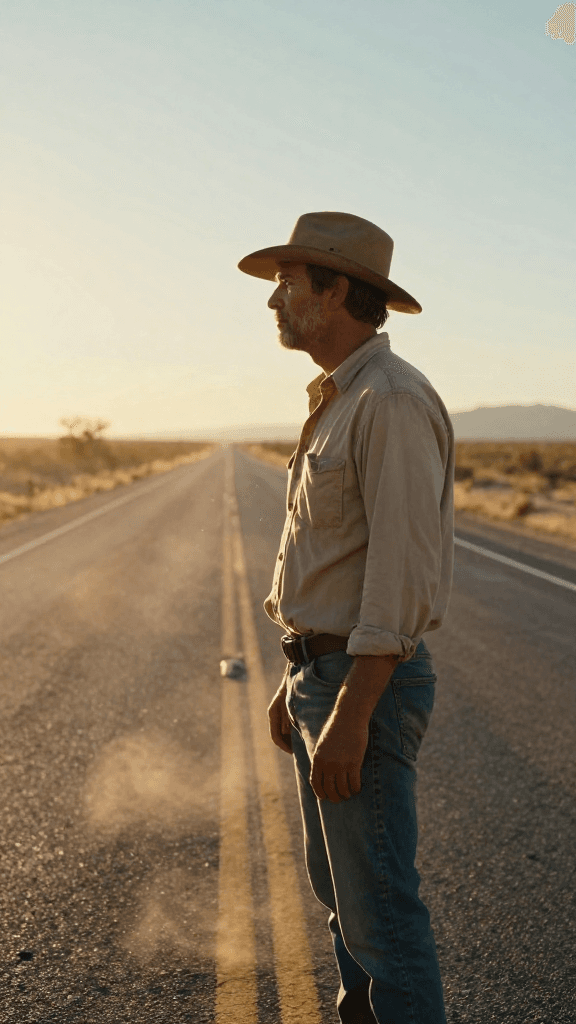
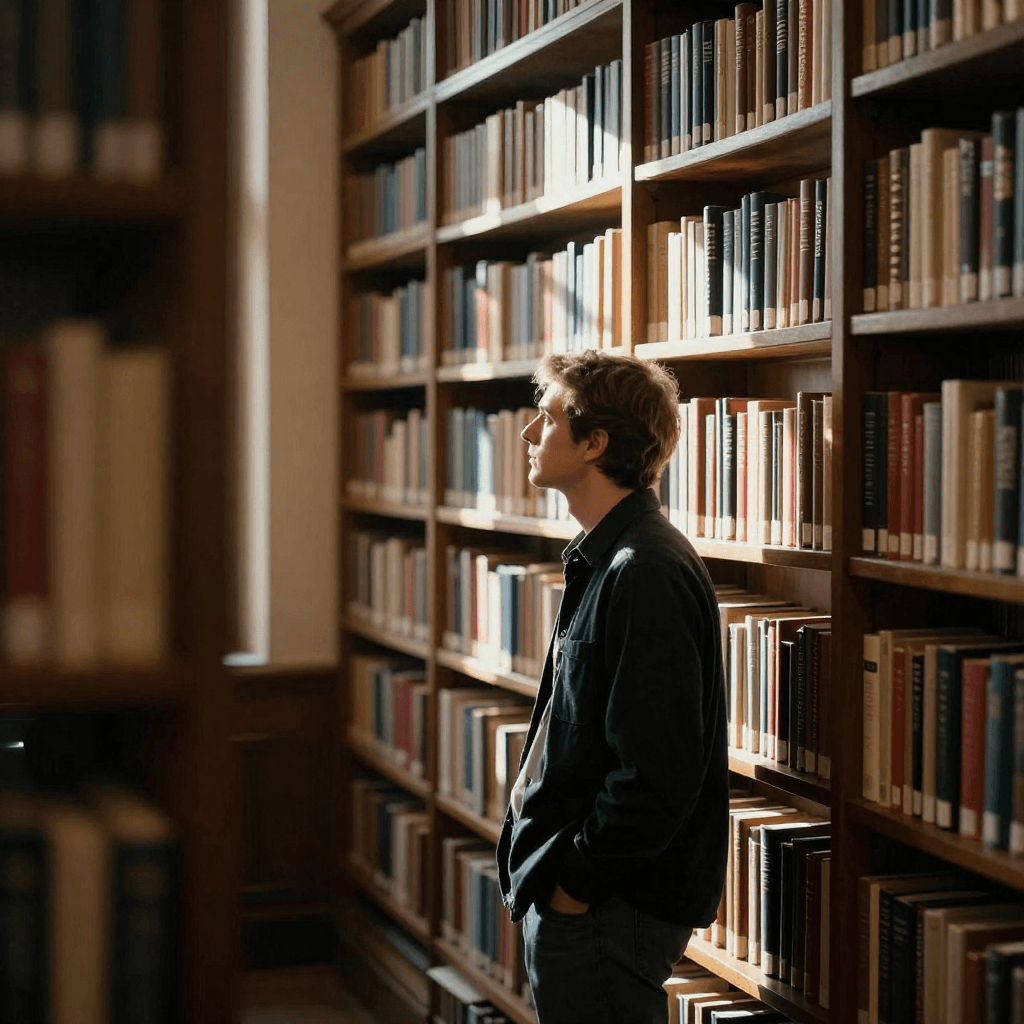
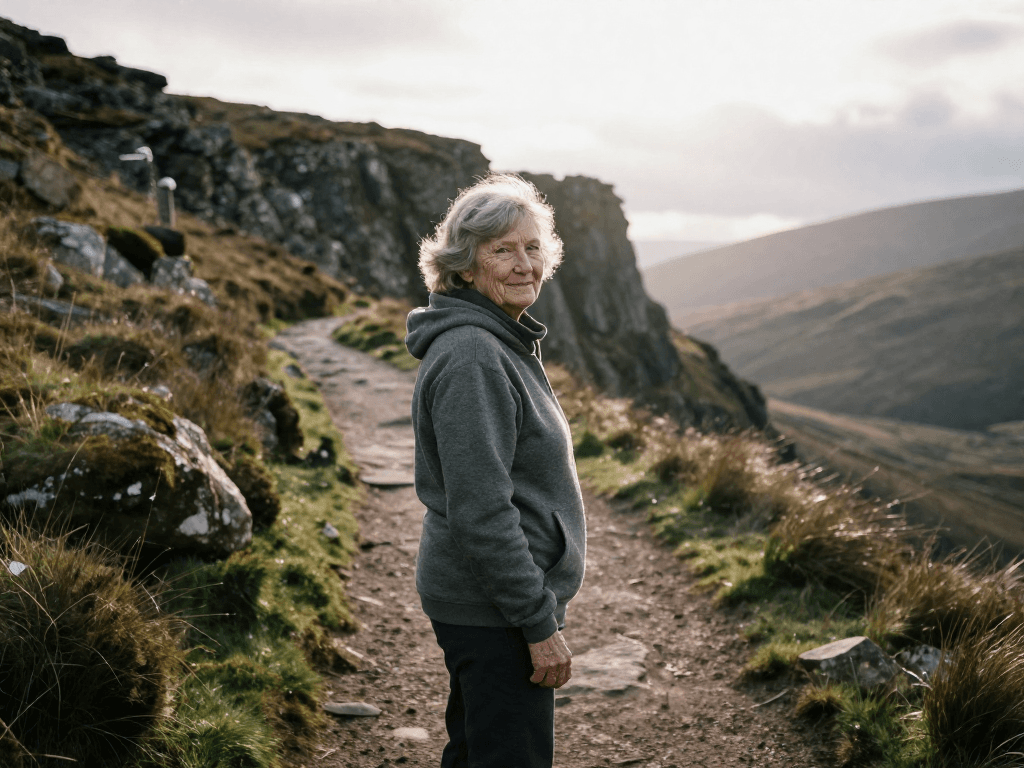
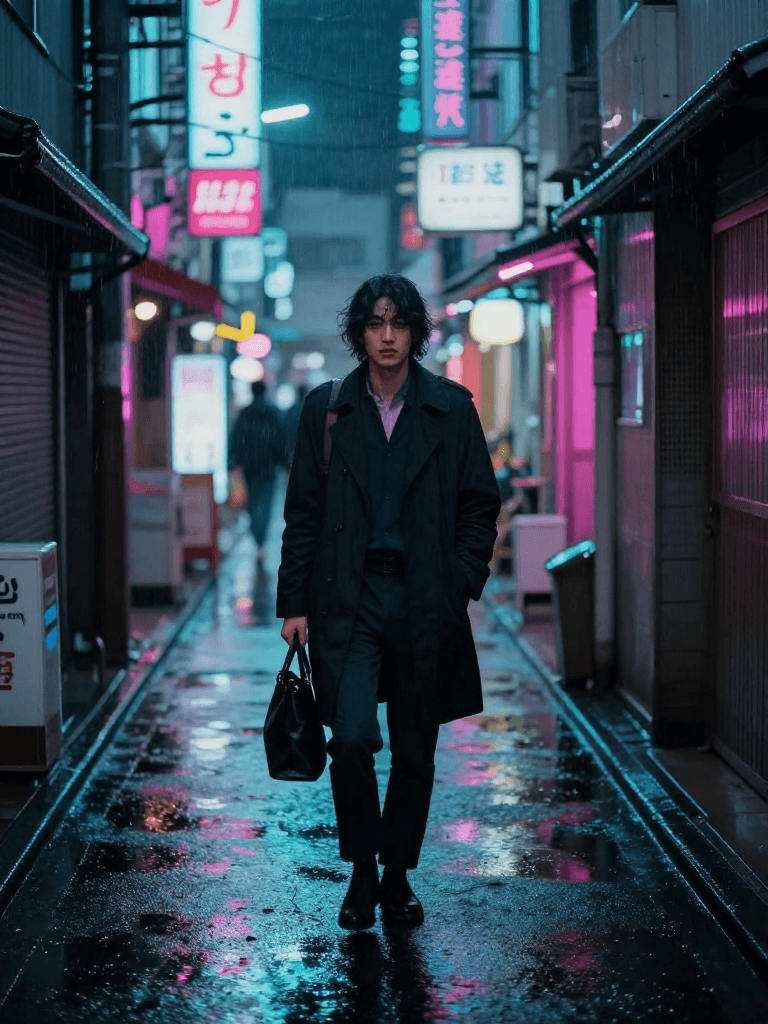
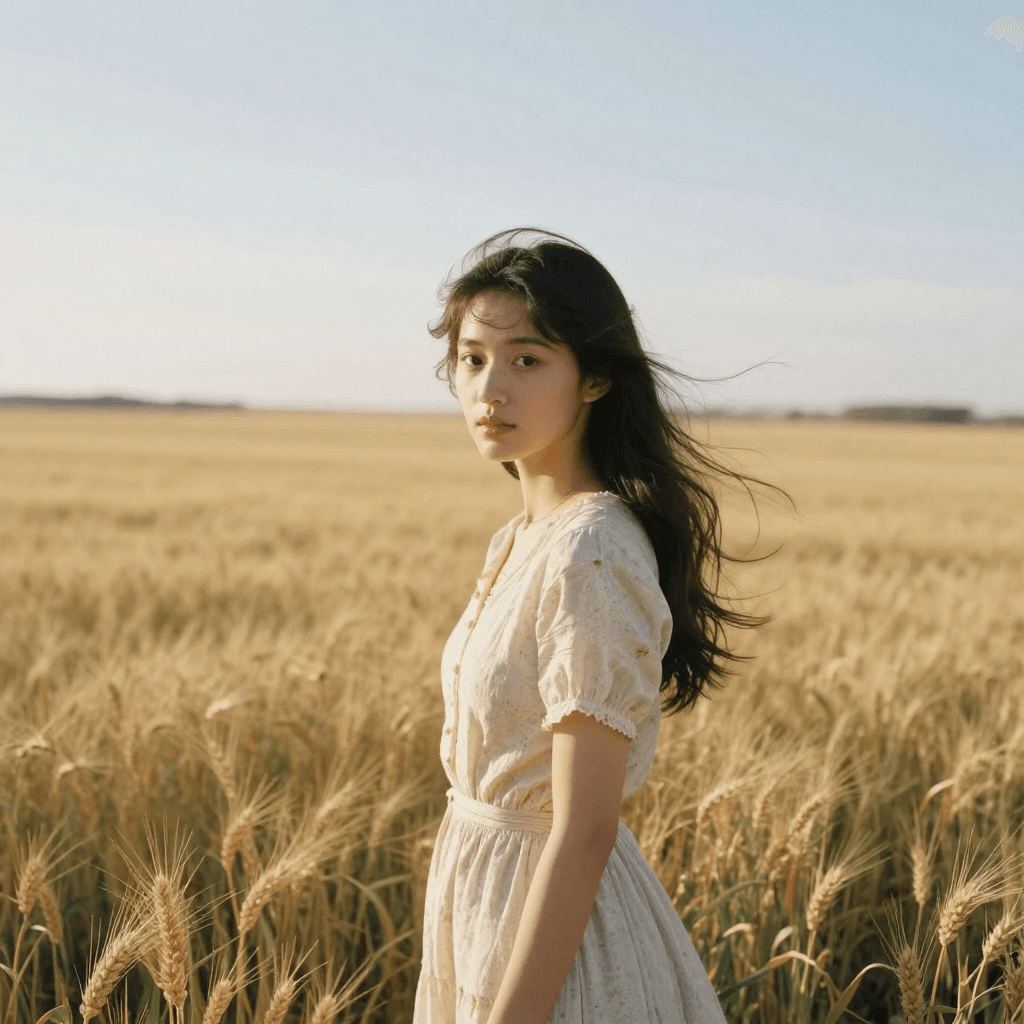
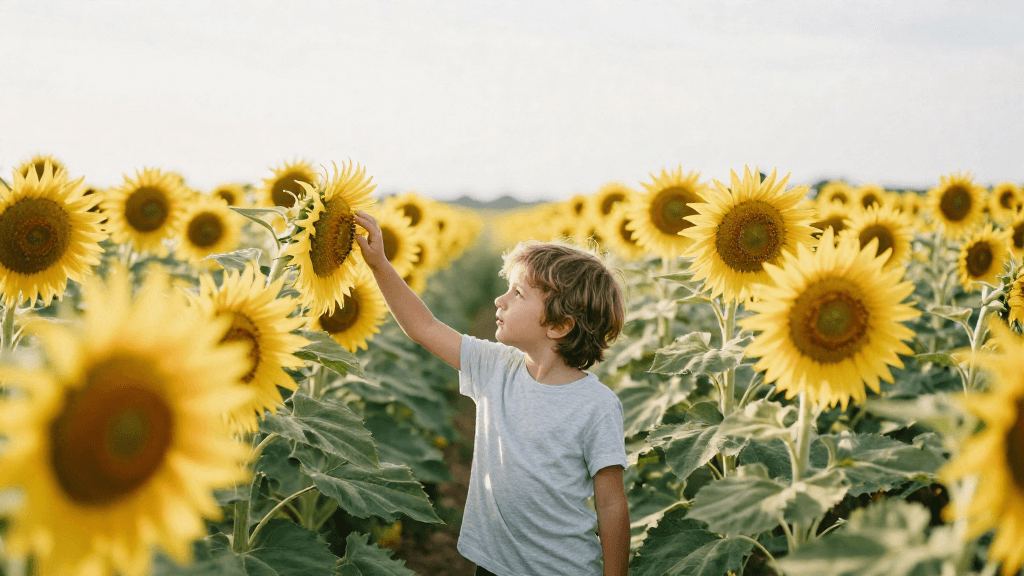
Generated with WAN 2.6
“A serene lake reflecting autumn colors with a gentle breeze rippling the surface”
What Sets It Apart
Resolution Options
Generate in 720p (14.5 credits/s) or 1080p (21.5 credits/s) depending on your quality needs.

Long Clips
Supports up to 15-second clips — longer than most video models.
Wide Aspect Ratios
Supports 5 aspect ratios including 4:3, 3:4, and 1:1 alongside standard landscape and portrait.
Image-to-Video
Animate still images with support for audio reference inputs.
Built For
Nature Content
Generate atmospheric nature and landscape footage.
Social Video
Create social media video content in multiple formats.
Ambient Loops
Produce atmospheric background videos for websites and installations.
Story Content
Generate story-format and vertical video content.
Technical Specifications
How WAN 2.6 Compares
Every model below is available on Morphed — switch between them with the same prompt.
| Model | Credits | Type | Best for |
|---|---|---|---|
WAN 2.6This modelWAN | 14.5 / second | Text to Video | Nature Content |
WAN 2.7WAN | 14.5 / second | Text to Video | Precise Timing |
WAN 2.5WAN | 7.5 / second | Text to Video | Budget Video |
Kling 2.6Kling | 11 / second | Text to Video | Action Content |
Frequently Asked Questions
Create with WAN 2.6 in three steps
Describe your idea
Write a prompt, or start from one of the examples above. WAN 2.6 handles detailed, multi-part prompts well.
Generate & iterate
Pick duration and aspect ratio, then generate. Re-roll or refine the prompt until the motion feels right.
Download or keep editing
Export in full resolution, or send the result to another model on Morphed — upscale it, animate it, or edit it.
Ready to create with WAN 2.6?
Create an account, then pick a plan to start generating. Plans start at $9/month — 30% off your first 3 months, cancel anytime.